Internal draft
Customer Cloud org
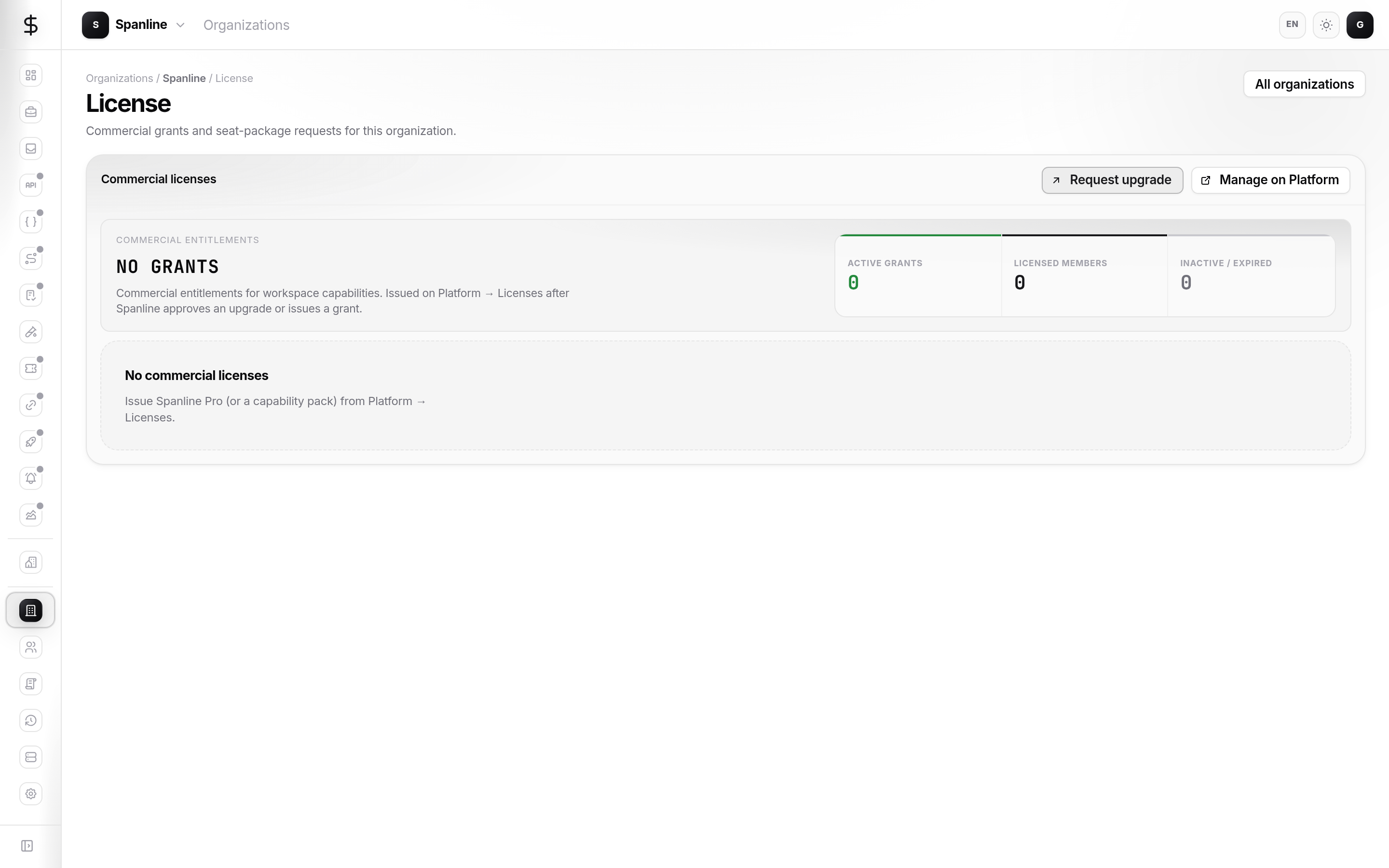
View and request commercial grants for this organization (seat packages / capability packs).
This is not how you activate a server you host yourself. For your own install, see Self-host install.
When to use this page
| You need… | Go here |
|---|---|
| See which pack this SaaS org has | Organizations → License |
| Request a higher seat package | Request upgrade on this page |
| Activate a server you host | Self-host install |
Open the page
- Sign in at app.spanline.dev.
- Open your organization.
- Choose License (
/organizations/:orgId/license).
What you see
| Element | Meaning |
|---|---|
| Commercial entitlements | Active grants, licensed members, inactive/expired |
| Grant list | Packs issued to this org |
| Request upgrade | Ask Spanline for a higher package |
| Manage on Platform | Shown to platform operators only |
Empty state (“No grants”)
Capabilities stay on the default / Hobby posture until Spanline issues a commercial grant.
Roles
| Role | Typical actions |
|---|---|
| Org owner / admin | View grants, Request upgrade |
| Org member | View when available |
Next: Self-host install · FAQ