Internal draft
Customer FAQ
On self-host with enforce on, the License step is required. Get a signed key for your ServerId from Spanline, paste it, then finish. See Self-host install.
Self-host
Setup will not finish without a license
I cloned the VM and everything asks for a license again
A new machine identity produces a new ServerId. The old blob no longer binds. Ask Spanline to release the old machine (if still claimed) and sign a key for the new ServerId. A platform system_admin pastes it at /license/active; other users see License unavailable until that is done.
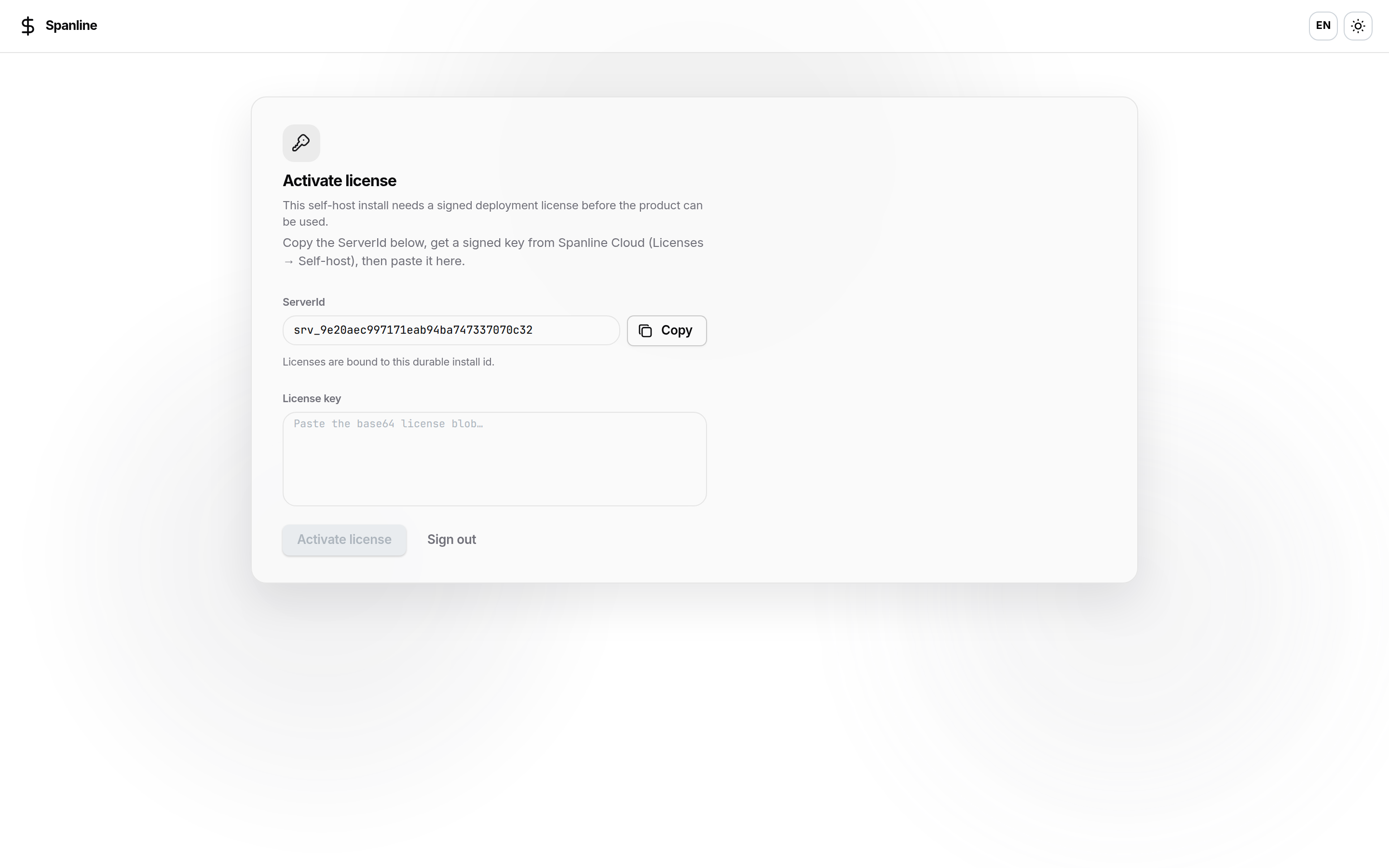
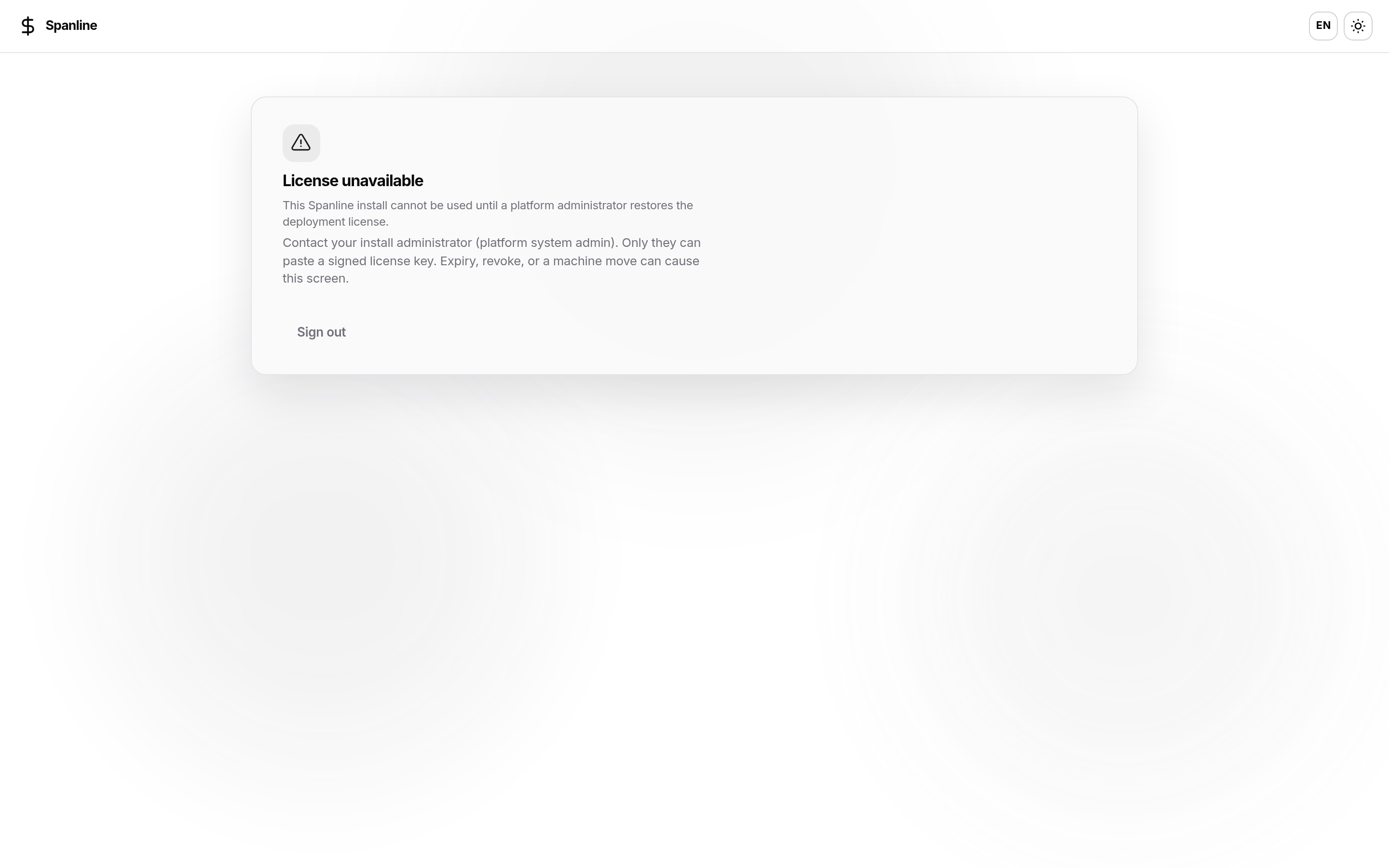
Where do I find my ServerId?
- During setup: License step
- After setup: System → License
- When blocked: Activate license (
/license/active)
Can I manage other customers’ seats from my install?
No. Seat issuance is only on Spanline Cloud by Spanline operators.
Cloud org
Organization → License is empty
No commercial grant yet — workspace stays on the default package until Spanline issues one. Use Request upgrade if you need more. See Cloud organization license.
I have a self-host server — do I use Organization → License?
No. That page is for Cloud commercial grants. Activate your server with setup / System → License / activate gate — Self-host install.