Guides
Tasks in Workspace → … for the current organization. Switch workspace first if you manage multiple teams.
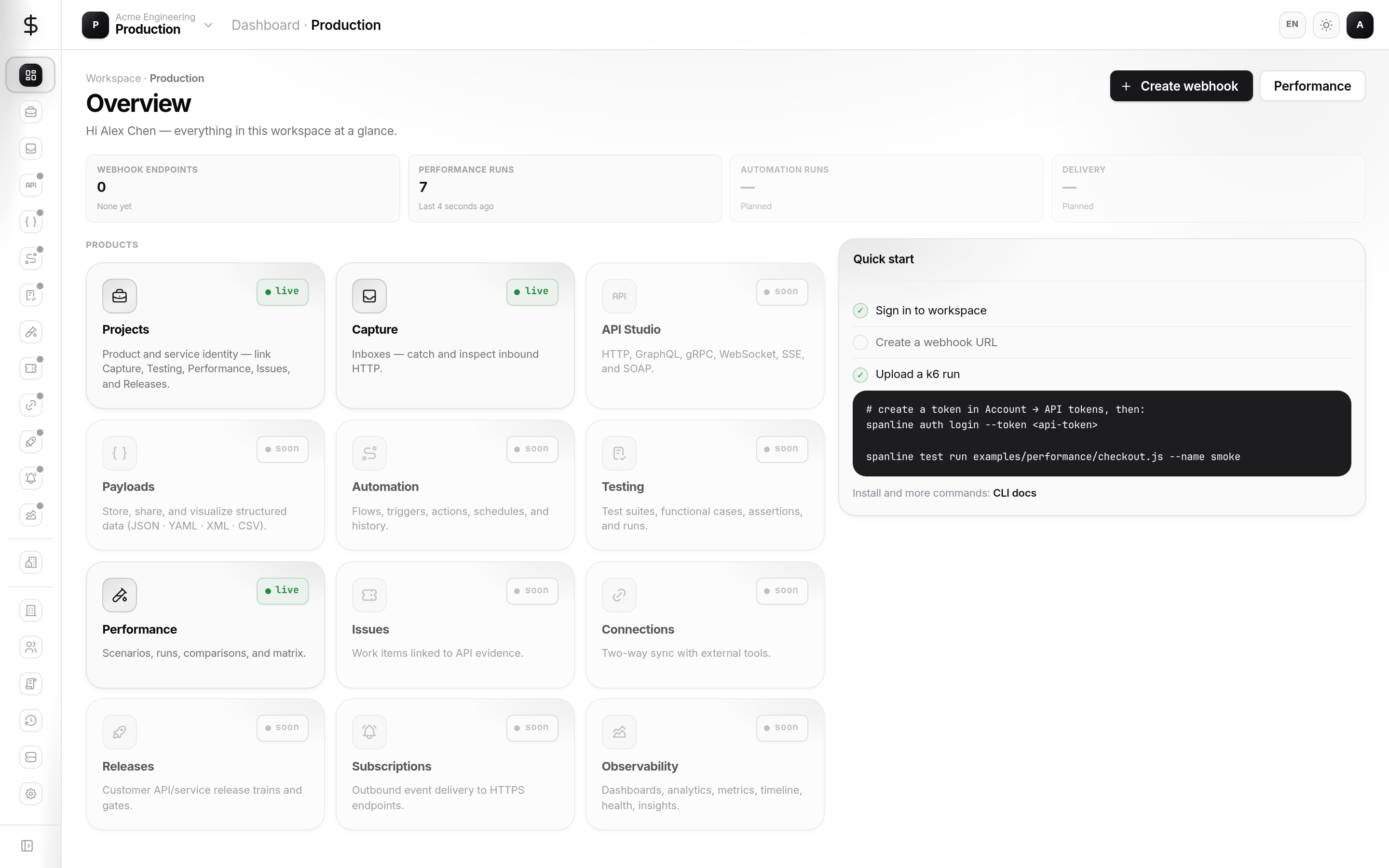
Dashboard {#dashboard}
Open Dashboard (/):
- Capture — create a new inbox or continue the latest
- Performance — jump to runs or scenarios
- KPI strip — inbox count and run count for this workspace
The dashboard is a launch pad — deep docs live under Capture and Performance.
Workspaces list {#workspaces-list}
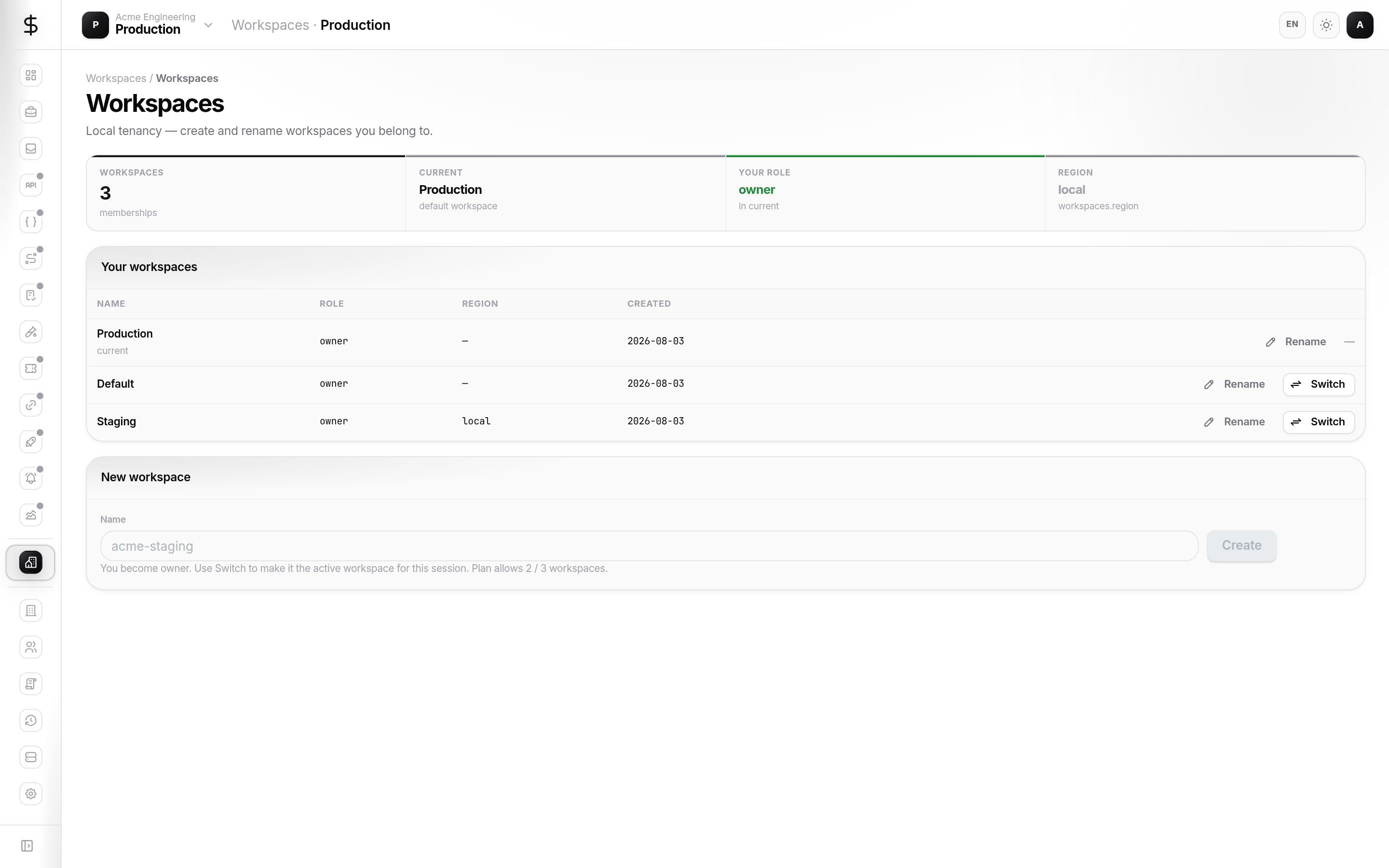
Workspace → Workspaces (/workspaces):
| Action | Who |
|---|---|
| Switch | Any member — changes active workspace |
| Rename | Workspace admin+ |
| Create | Org admin / quota allowing (may redirect to org Workspaces) |
After switch, the page reloads so all product rails pick up the new context.
Members {#members}
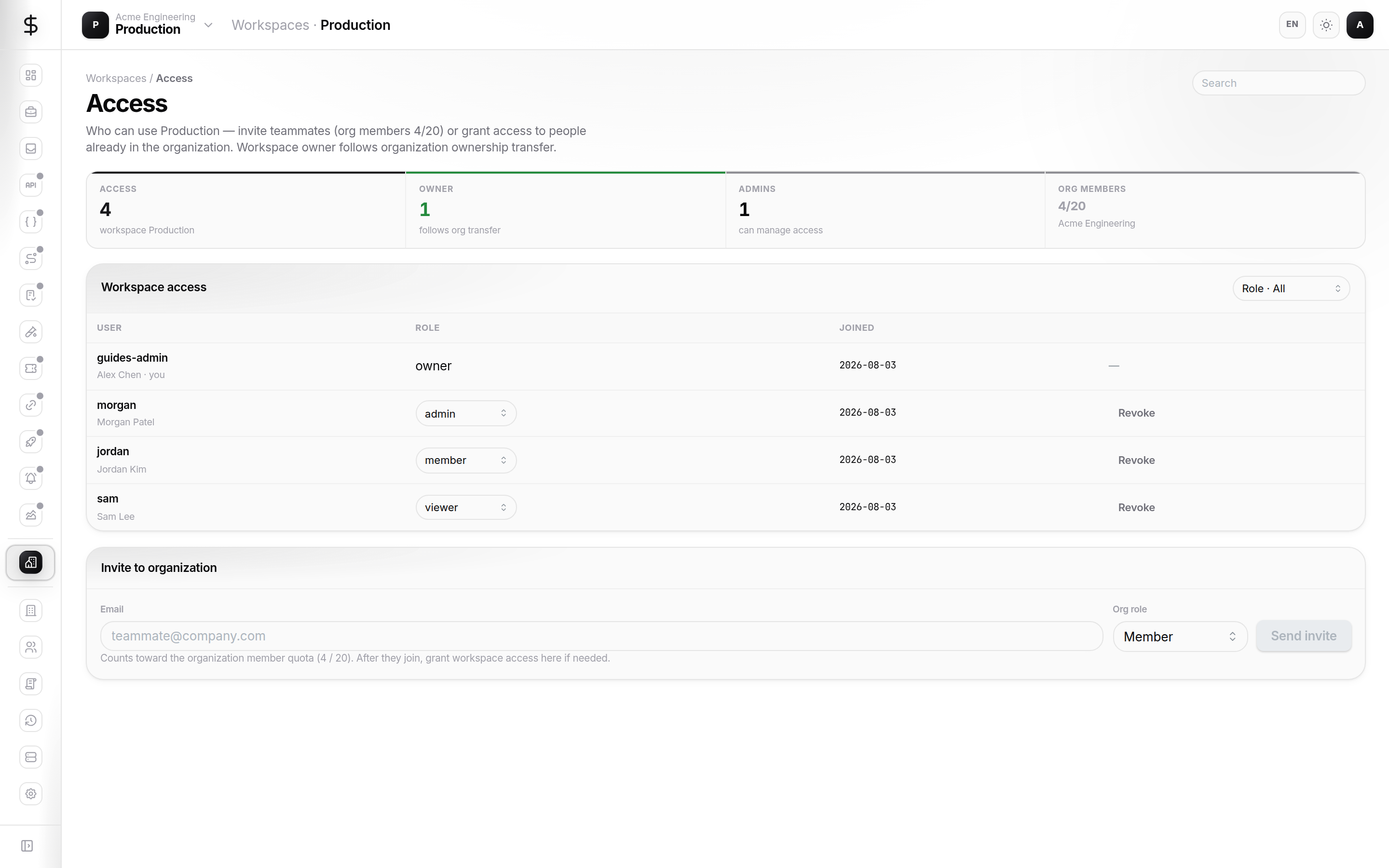
Workspace → Members (/workspaces/members):
- View everyone with access to this workspace.
- Grant access — pick an org member and assign
viewer,member, oradmin. - Change roles or revoke access (admin+).
You cannot assign owner here. There is exactly one workspace owner; ownership changes via org transfer cascade.
Org-level invites do not automatically grant workspace access — grant explicitly when needed.
Environments {#environments}
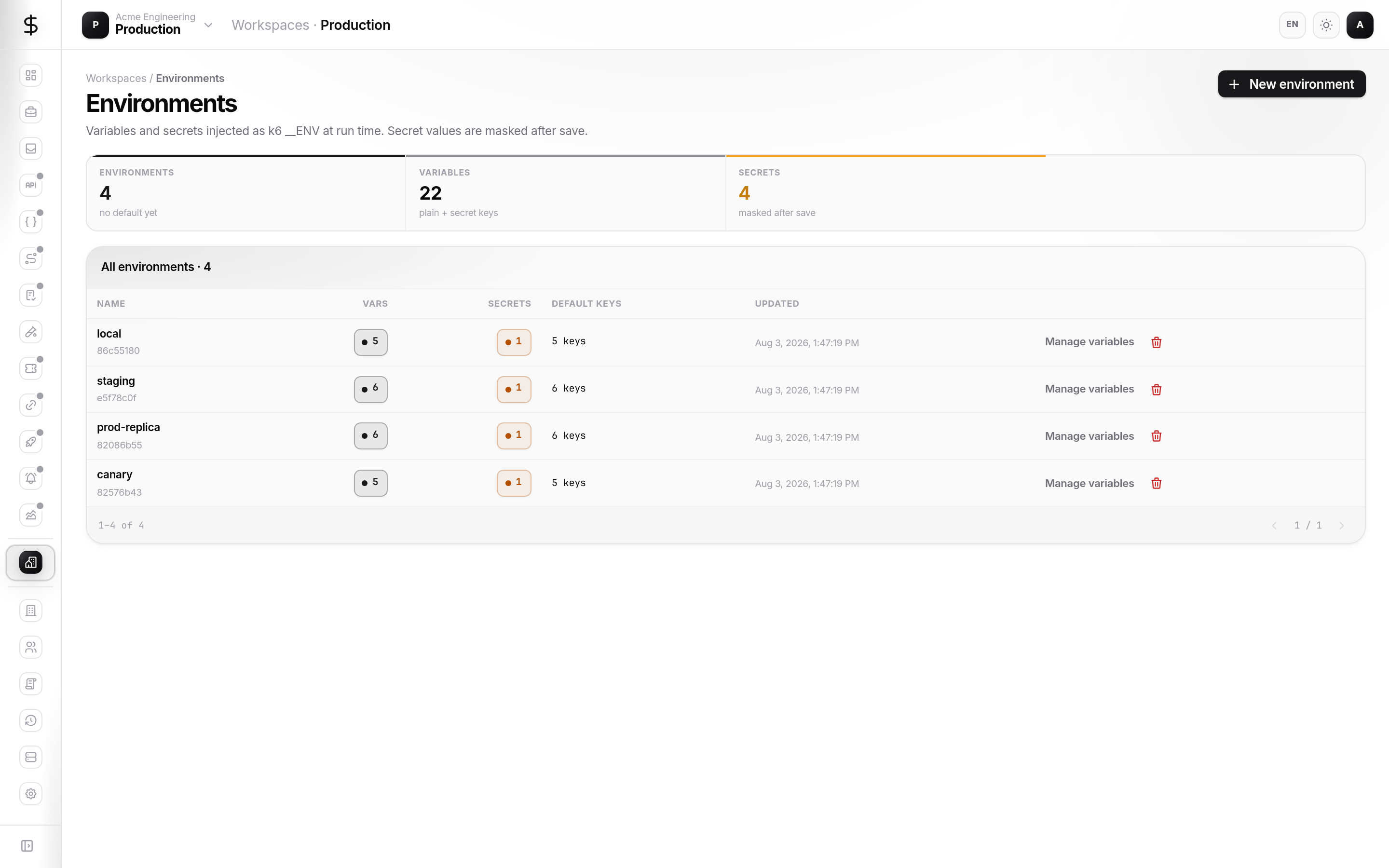
Workspace → Environments (/workspaces/environments):
Create
- New environment → name (for example
staging,production). - Optional description and Default flag.
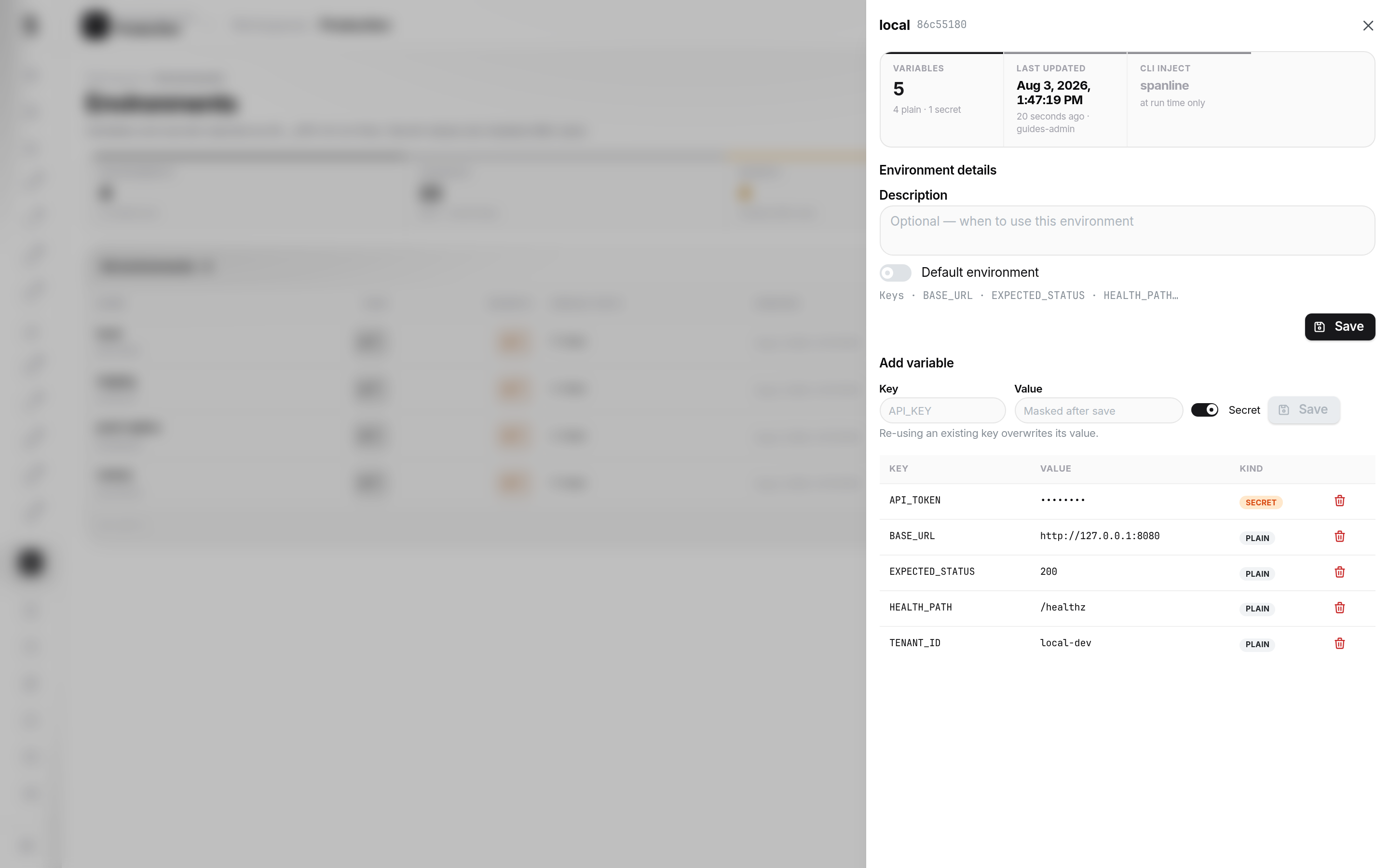
Variables drawer
Open an environment row to manage variables:
| Type | Use for |
|---|---|
| Plain | Base URLs, tenant ids, feature flags |
| Secret | API keys, tokens — sealed at save |
Secrets display as masked values after save. Re-enter to rotate.
Org must have sealing keys configured — if sealing fails, contact your org admin.
Link to Performance
In Performance → Scenarios, pick the environment so spanline test run resolves variables at execution time.
Audits (workspace context)
Some deployments expose workspace-scoped audit under org Audit with workspace filters. Export policies follow your org plan.