Performance
Performance is Spanline’s home for k6 load and smoke tests: catalog scripts and environments, watch runs live, compare results, and export collection evidence — while the actual k6 process runs on a runner (CLI or CI), not in the browser.
How it fits together
| You work in… | It does… |
|---|---|
| Spanline app | Catalog scenarios & environments, plan collections, observe runs, compare, export matrix CSV, manage connections |
| Spanline CLI / CI | Execute k6, stream live metrics, upload summaries and artifacts |
Coming later in the product rail (marked Soon): Scripts, Thresholds — not required for day-to-day smoke or gate runs.
Matrix vs Reports vs Trends? They look similar but answer different questions — Concepts → which view? (batch gate · calendar window · daily rollups).
Tour the product surfaces
| Surface | URL | What you use it for |
|---|---|---|
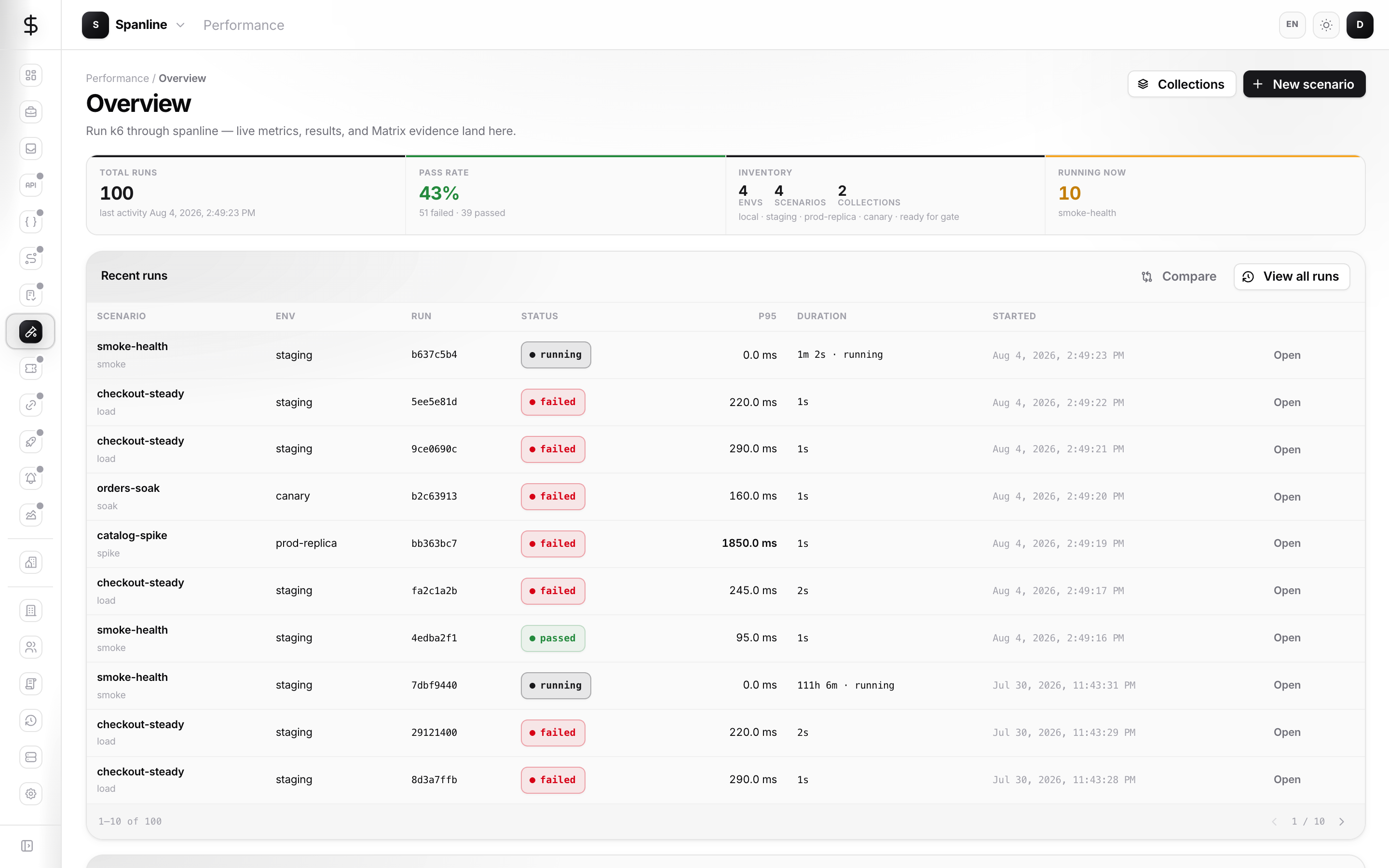
| Overview | /performance |
KPIs, recent runs, collection-run progress, copy-paste CLI |
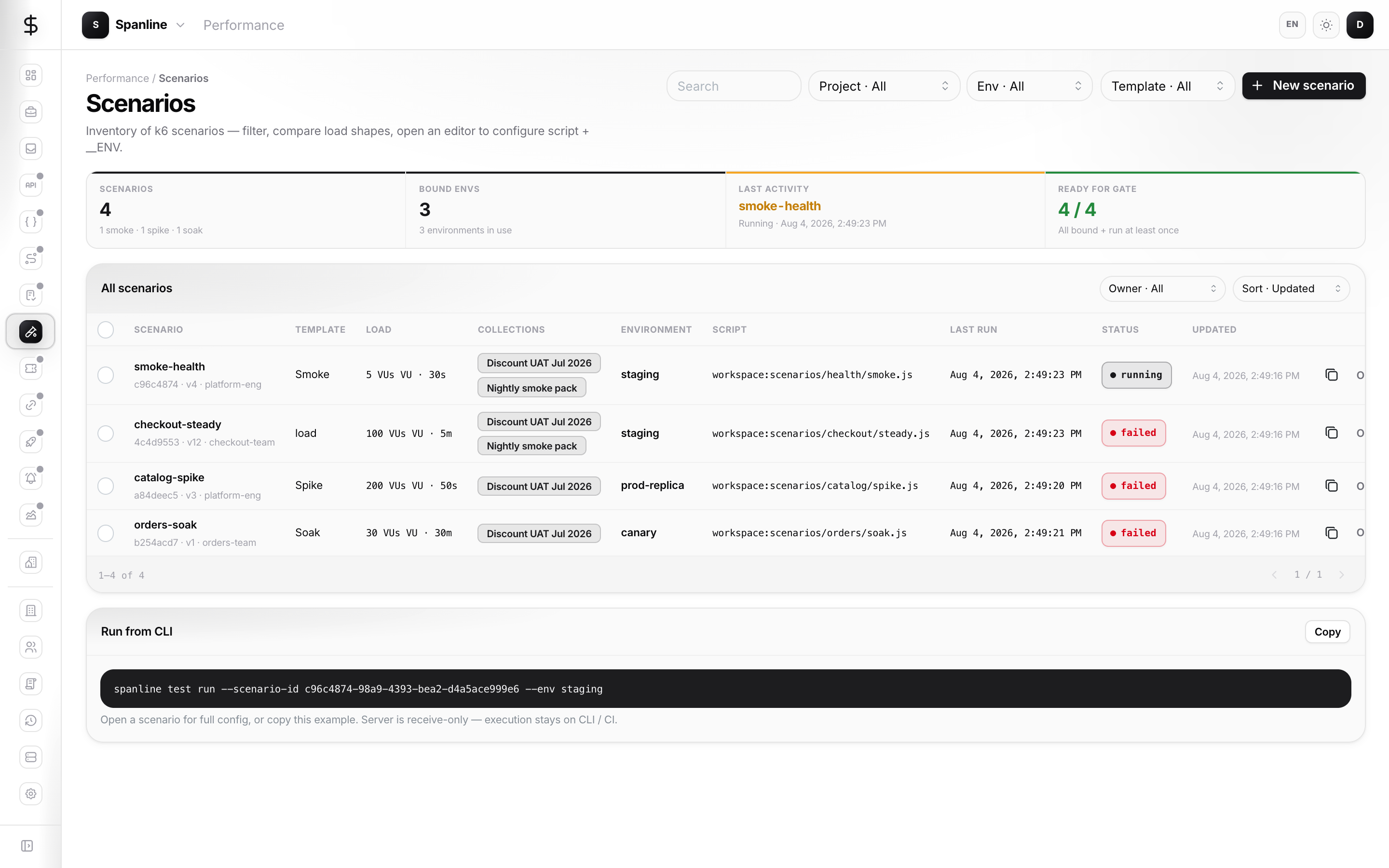
| Scenarios | /performance/scenarios |
Create/edit k6 scripts, options, env link, project filter |
| Collections | /performance/collections |
Ordered scenario jobs; Start run creates a plan |
| Runs | /performance/runs |
History with filters; open a run for live metrics |
| Matrix | /performance/matrix |
Evidence table for a single collection run (Export CSV) |
| Reports | /performance/reports |
Collection window or Bundle; save snapshots; public unlock + embed |
| Trends | /performance/trends |
Daily rollups (pass rate, p95) per scenario and environment |
| Compare | /performance/compare |
Baseline (A) vs Candidate (B) deltas |
| Connections | /performance/connections |
External Grafana / Prometheus-style endpoints |
| Environments | /workspaces/environments |
Named variable sets (base URLs, secrets) used by scenarios |
New here?
Follow Getting started — one smoke test from environment → scenario → CLI → live run.
Quick start (catalog in the app)
- Sign in at app.spanline.dev and pick the right workspace.
- Open Workspace → Environments (
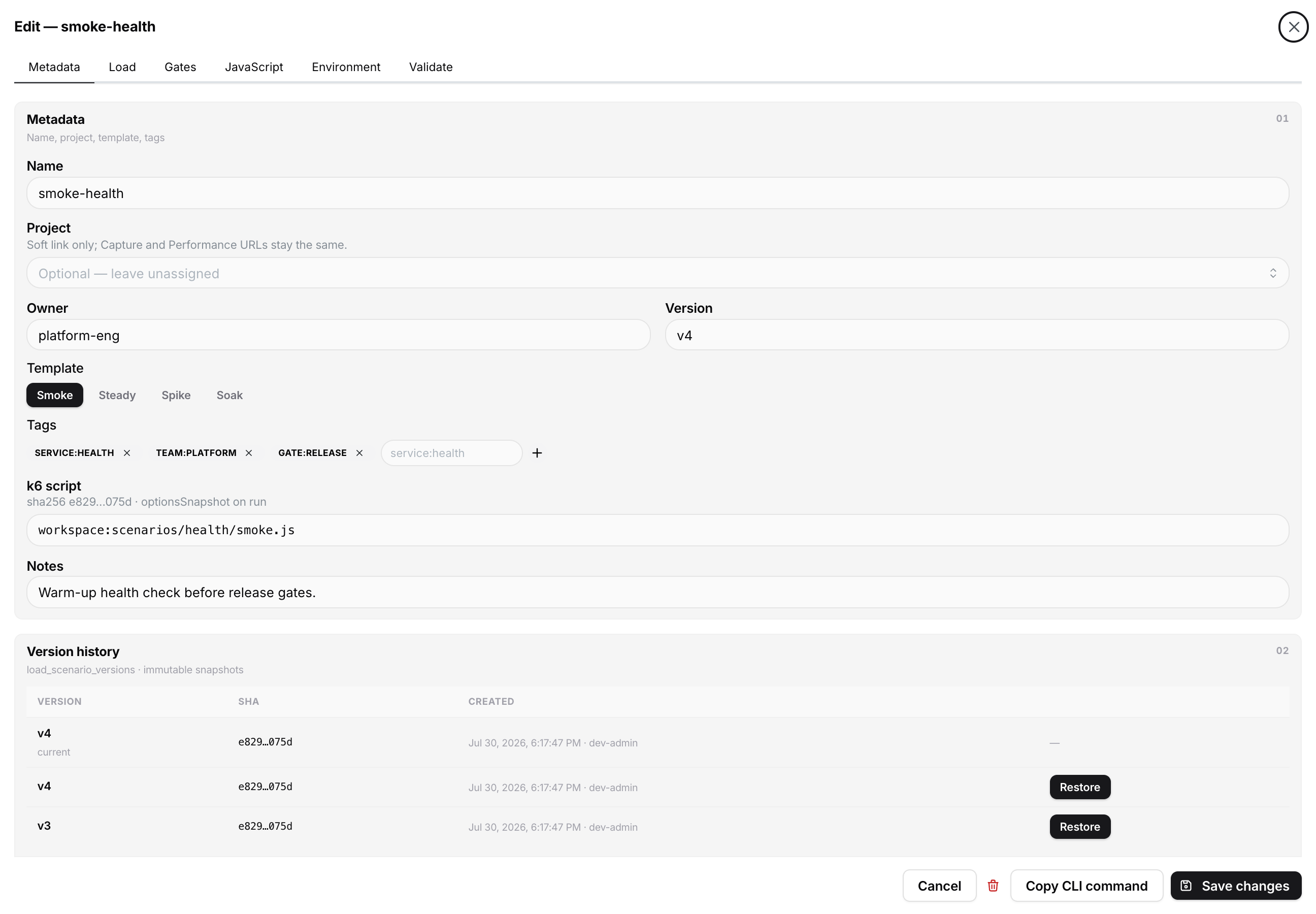
/workspaces/environments) and create an environment your scripts need. - Open Performance → Scenarios → New scenario (or a Smoke template). Paste a k6 script and attach the environment.
- Optionally link a Project so the toolbar Project · All filter works.
Quick start (run on a runner)
- Install the CLI from your team’s release channel (or spanline.dev/cli).
- Create an API token under Account → API tokens with permission to run Performance tests.
- Authenticate and run:
spanline auth login --token sl_…
spanline auth workspace list
spanline auth workspace use <workspace-name-or-id>
spanline test run ./checkout.js --name smoke
Enterprise self-host: spanline auth login --api https://api.<your-domain> --token sl_… (or SPANLINE_API in CI) — Run tests.
Or from the hub snippet: spanline test run --scenario-id <id>.
- Return to Performance → Overview or Runs to watch live metrics and open the summary.
Full flags and CI patterns: Run tests.
What you can do today
| Capability | Where |
|---|---|
| Scenarios & versions | Performance → Scenarios |
| Environments & sealed values | Workspace → Environments |
| Watch / abort a run | Performance → Runs → open a run |
| Run Metrics / Artifacts / Infra | Finished run detail tabs |
| Compare two runs | Performance → Compare |
| Collections & matrix CSV | Collections → Start run → Matrix |
| Collection window / bundle evidence | Performance → Reports |
| Saved snapshots, PDF, public share | Reports & sharing |
| Daily rollups | Performance → Trends |
| Collection webhooks | Collection editor → Webhooks |
| External dashboards | Performance → Connections |
| Project filter | Toolbar Project · All in the product |
| Artifacts | Run detail → Artifacts (header Download = summary JSON) |
In this guide
| Page | Contents |
|---|---|
| Getting started | First smoke test end to end |
| Concepts | Building blocks, app vs runner, roles, KPIs |
| Guides | Day-to-day flows with screenshots |
| Reports & sharing | Collection window, bundle, snapshots, embed, public unlock |
| Run tests | CLI for laptop and CI |
| Access & secrets | Who can do what; sealed secrets |
| FAQ | Common problems |